

How to Convert PowerPoint to Google Slides Without Losing Formatting
Switching presentation platforms often causes headaches. You spend hours making a slide deck look good. Then you move it online and everything breaks. Text...
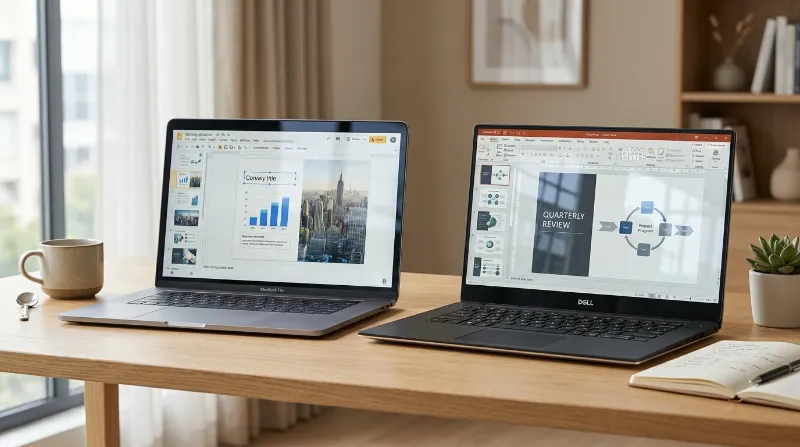
Switching presentation platforms often causes headaches. You spend hours making a slide deck look good. Then you move it online and everything breaks. Text...

Working on a presentation with a group can easily turn into a big mess. People overwrite each other by mistake. Important slides disappear without...
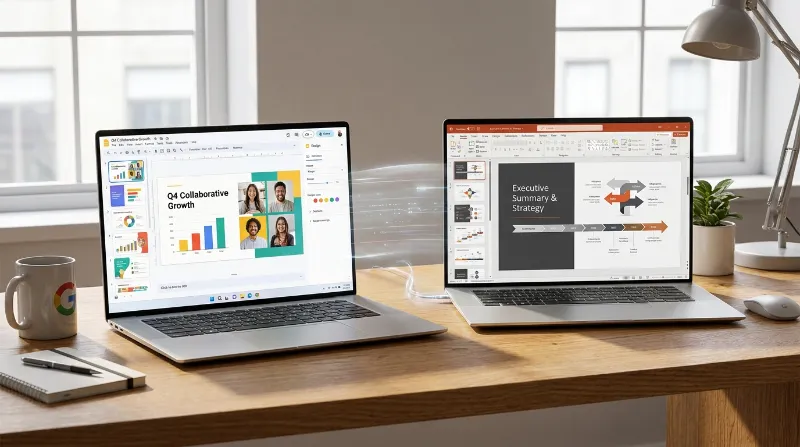
Choosing the Right Presentation Software Today You have an important presentation coming up. You need a reliable program to build your slides. Two main...
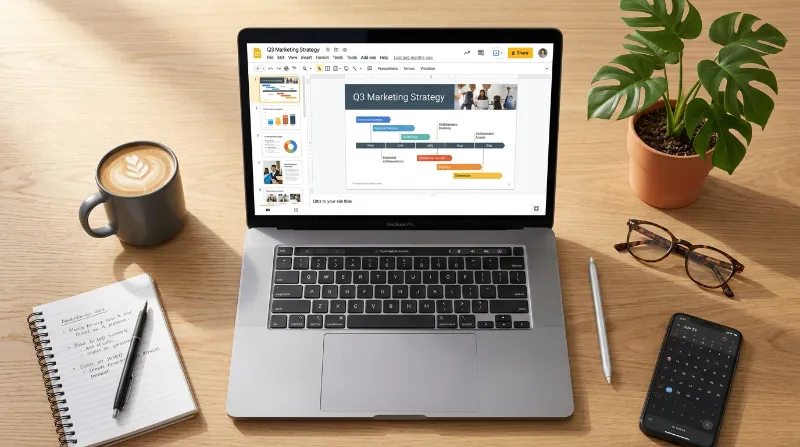
Why You Need a Simple Digital Space for Your Work Building a portfolio can feel like a heavy and stressful task. People often think...

The power of a central design tool Making a presentation takes a lot of time. You add slides and you type text. You place...
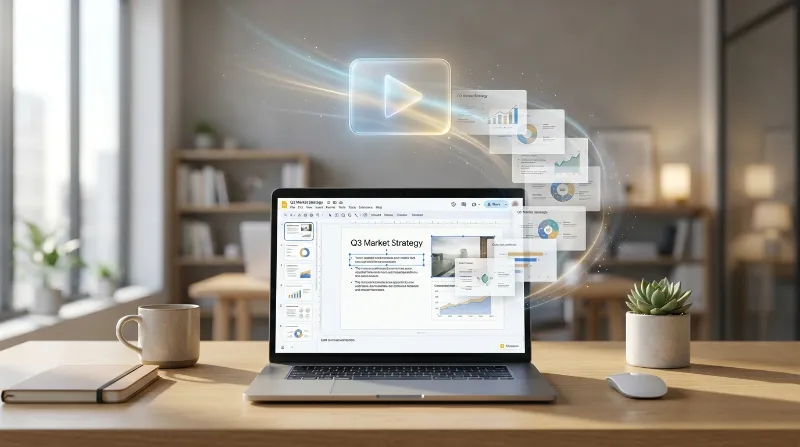
How to Bring Your Presentation to Life with Video People often lose focus during presentations. They stare at the screen and stop listening. You...

Why Motion Matters in Your Slides You have probably sat through dozens of terrible presentations. The speaker stands by the screen. They click a...
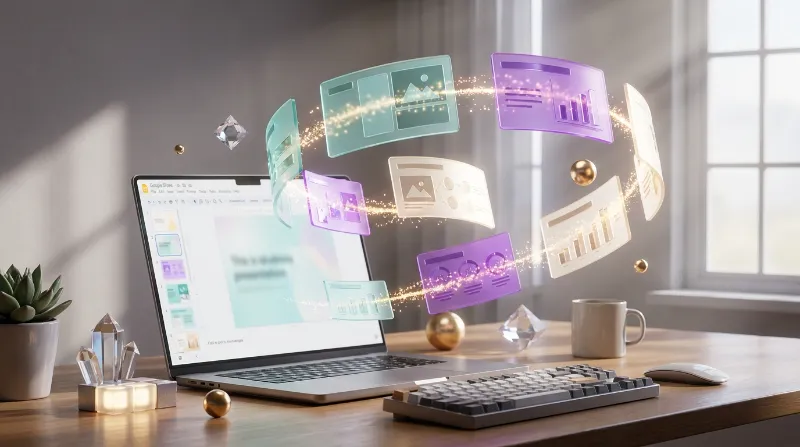
10 Best Google Slides Add-ons to Boost Your Productivity You probably spend a lot of time making presentations. Google Slides is a great platform...

Learning a new software tool takes a little patience. Google Slides is one of the easiest ways to build a presentation. You do not...
Most people know the feeling of sitting through a boring slide deck. The presenter clicks the spacebar over and over. You watch one slide...